Skip to content

Mark up. Approve. Sign. Inspect. Revise. All in one place.

Docutrol is document control software for project, construction and quality teams. Every document, every revision and every decision is kept in one live list, so you always know which revision is approved and in effect.

Show me Docutrol for

Know where every document stands, and who has it.

  • Whose turn it is. Every document shows who it is with and for how long. Late ones stand out, by person and by company.
  • Reminders and escalation. Reminders before and after each due date, then escalation to the requester and admins, on a schedule you set.
  • Projects. A home for each job's documents, binders and people: each person sees their own tasks, and the project manager decides who can open what.

Free for up to 3 people who submit or approve. Viewers and guests are always free.

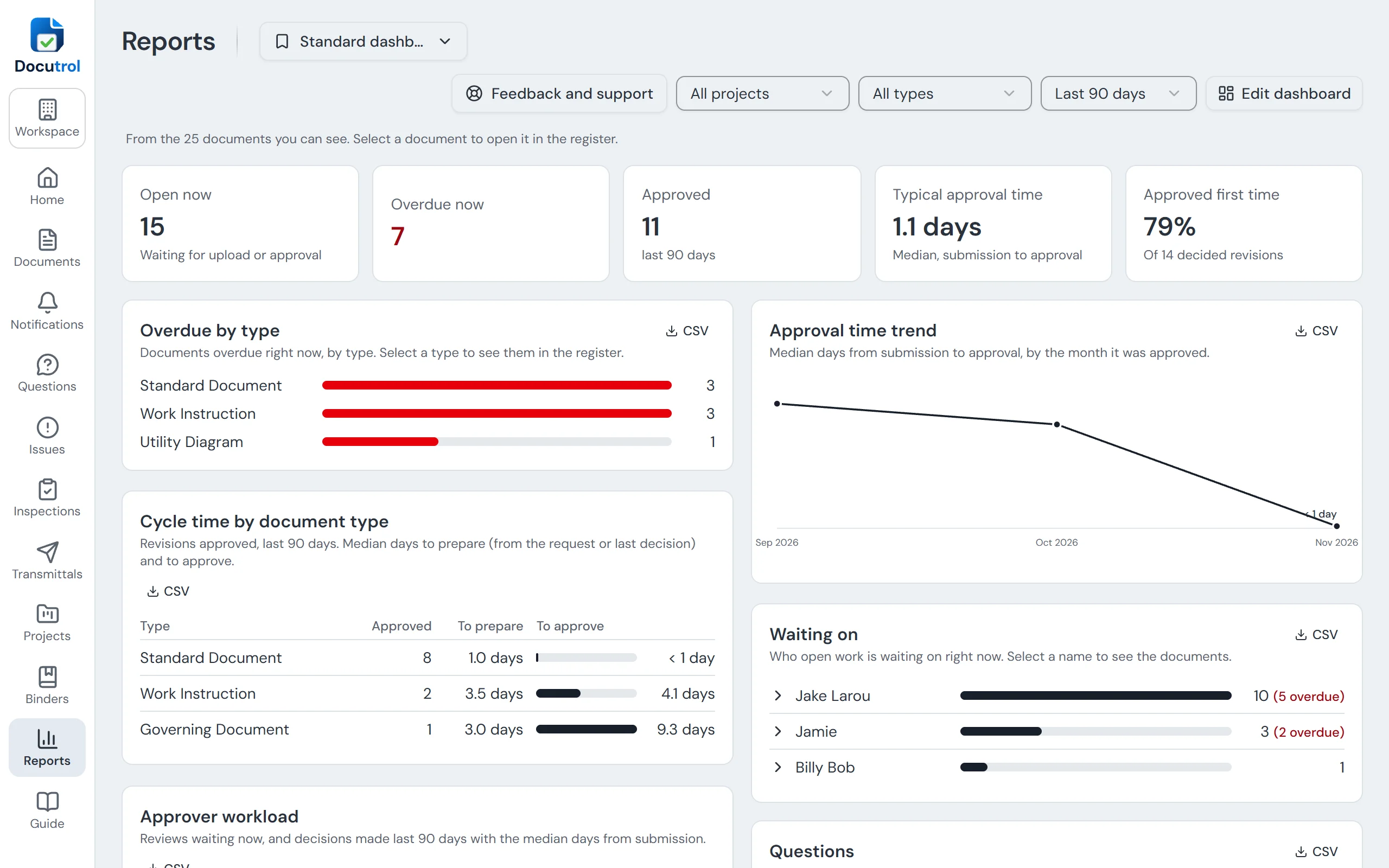
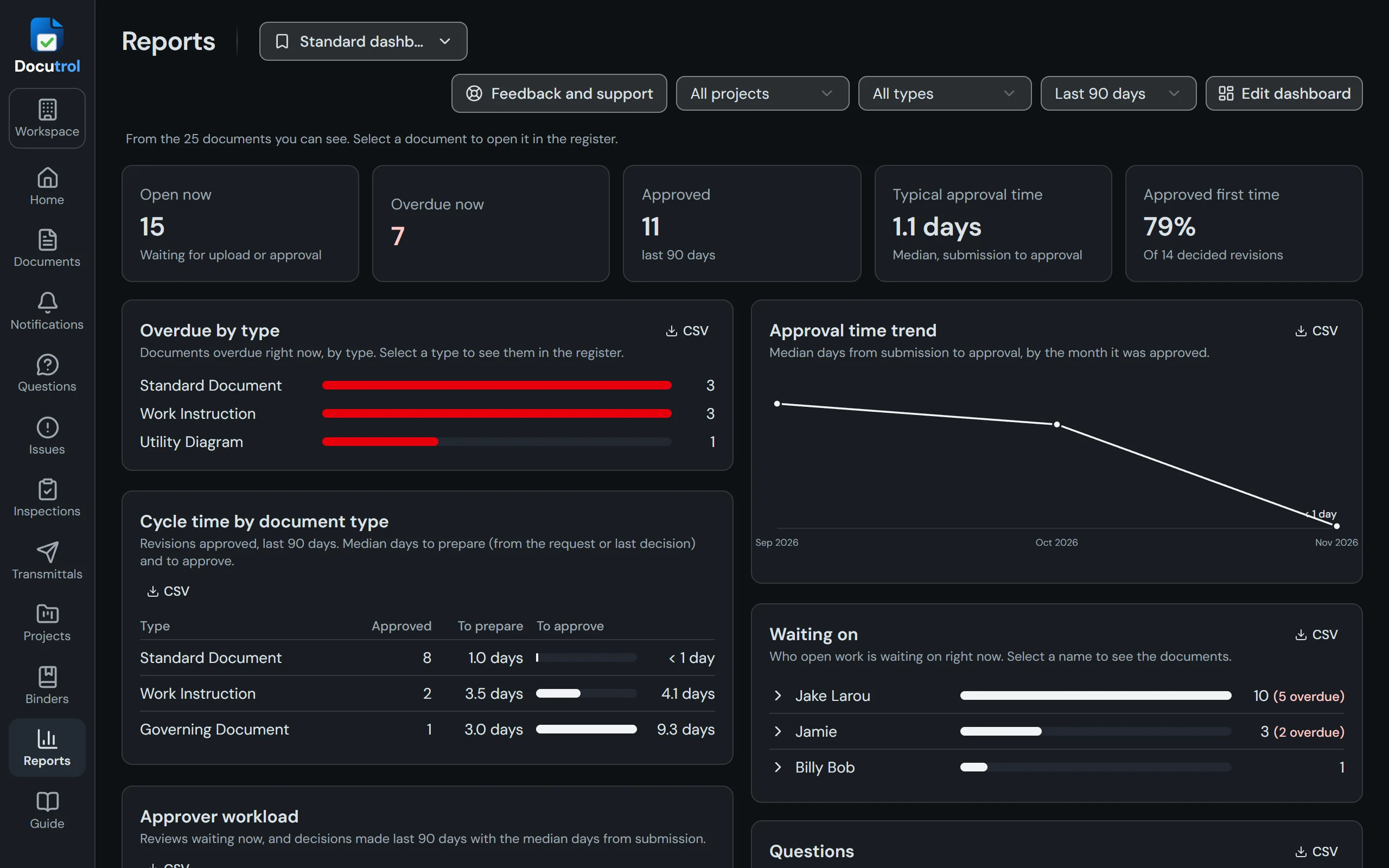
Docutrol's Reports dashboard: open and overdue documents, approval time and who work is waiting on Docutrol's Reports dashboard: open and overdue documents, approval time and who work is waiting on

Submittals, RFIs and drawings, without a platform contract.

  • Submittals with response codes. Approved, Approved as noted, Revise and resubmit or Rejected, with spec section and needed-on-site date, and a review stamp on the released copy.
  • RFIs with an official answer. Pin a question to the spot on the drawing, name who answers, mark the official reply and record cost and schedule impact.
  • Drawing sets. A sheet index read from the PDF (A-101, S-301 and so on), with the sheets that changed in each revision found and marked.

Free for up to 3 people who submit or approve. Viewers and guests are always free.

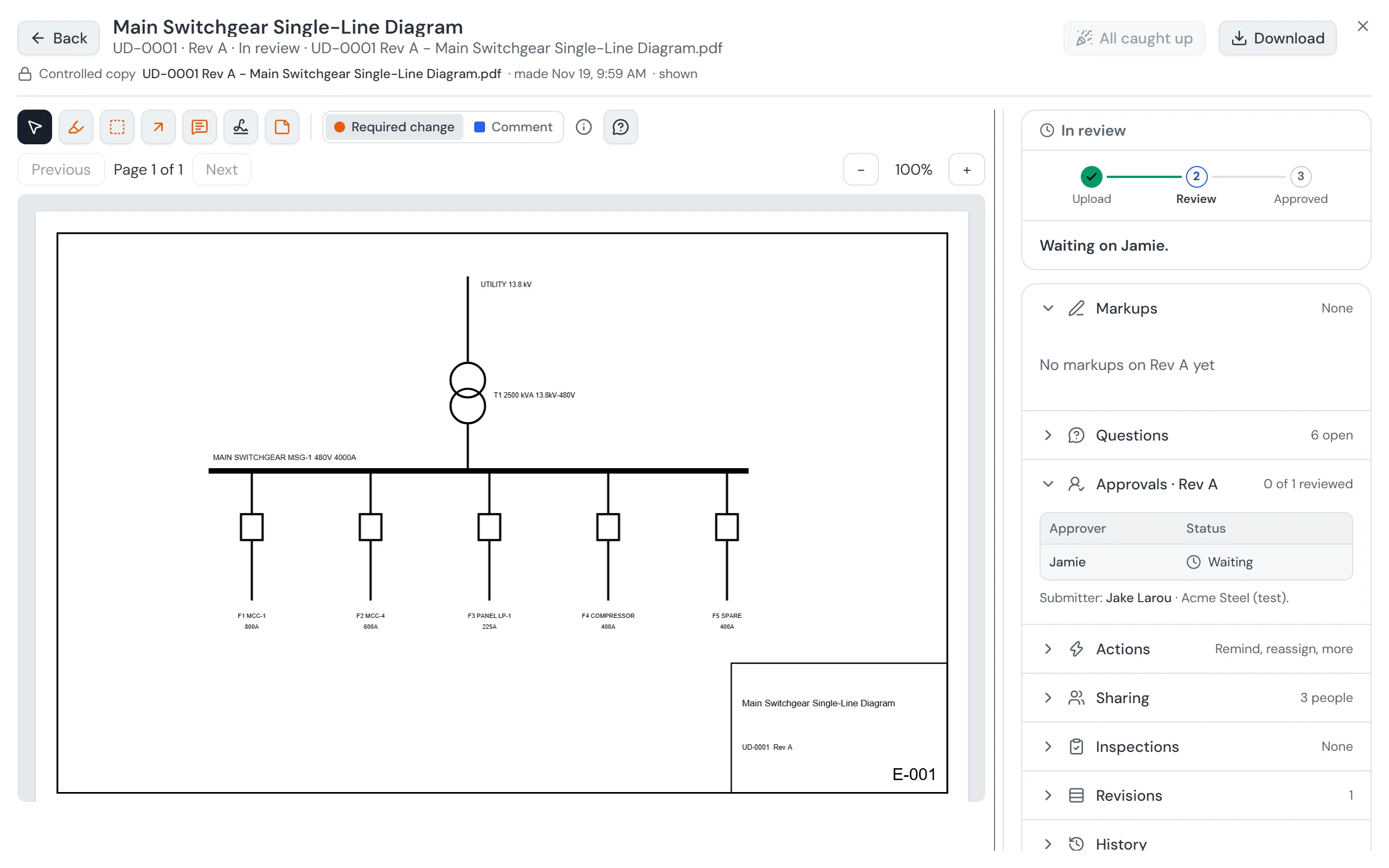
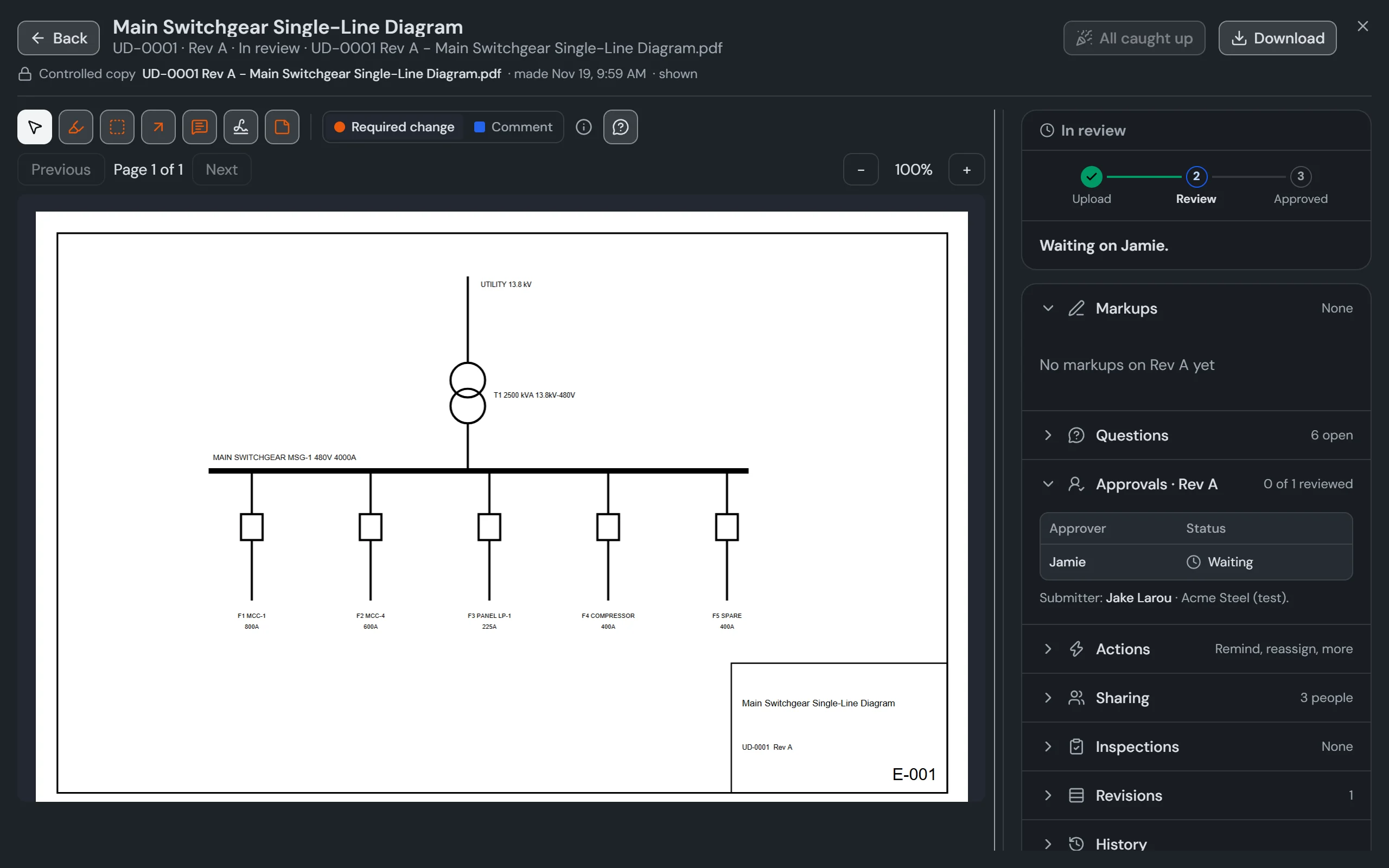
Docutrol's review screen with a drawing, the markup tools and who the document is waiting on Docutrol's review screen with a drawing, the markup tools and who the document is waiting on

Control that stands up to an audit.

  • Signed approvals with identity checks. Each signature records the signer, its meaning and the time, with an emailed code where the document's risk calls for one.
  • Read and acknowledge. Choose who must read each new revision and see who hasn't. People who only read are free, so the whole shop floor can be included.
  • Periodic review. The document's submitter is reminded to confirm it is still current, or to start its next revision, on the interval you set per type.

Free for up to 3 people who submit or approve. Viewers and guests are always free.

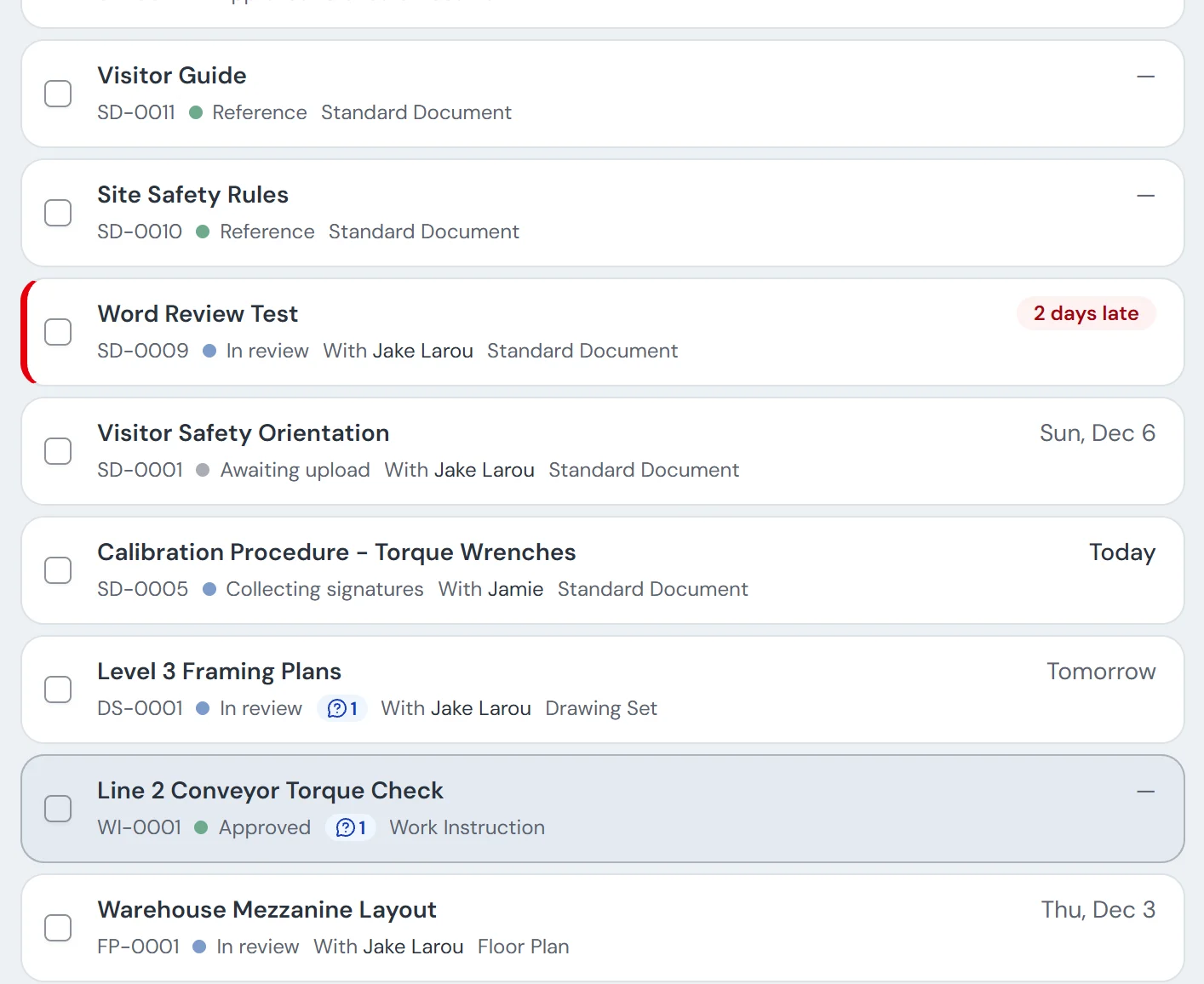
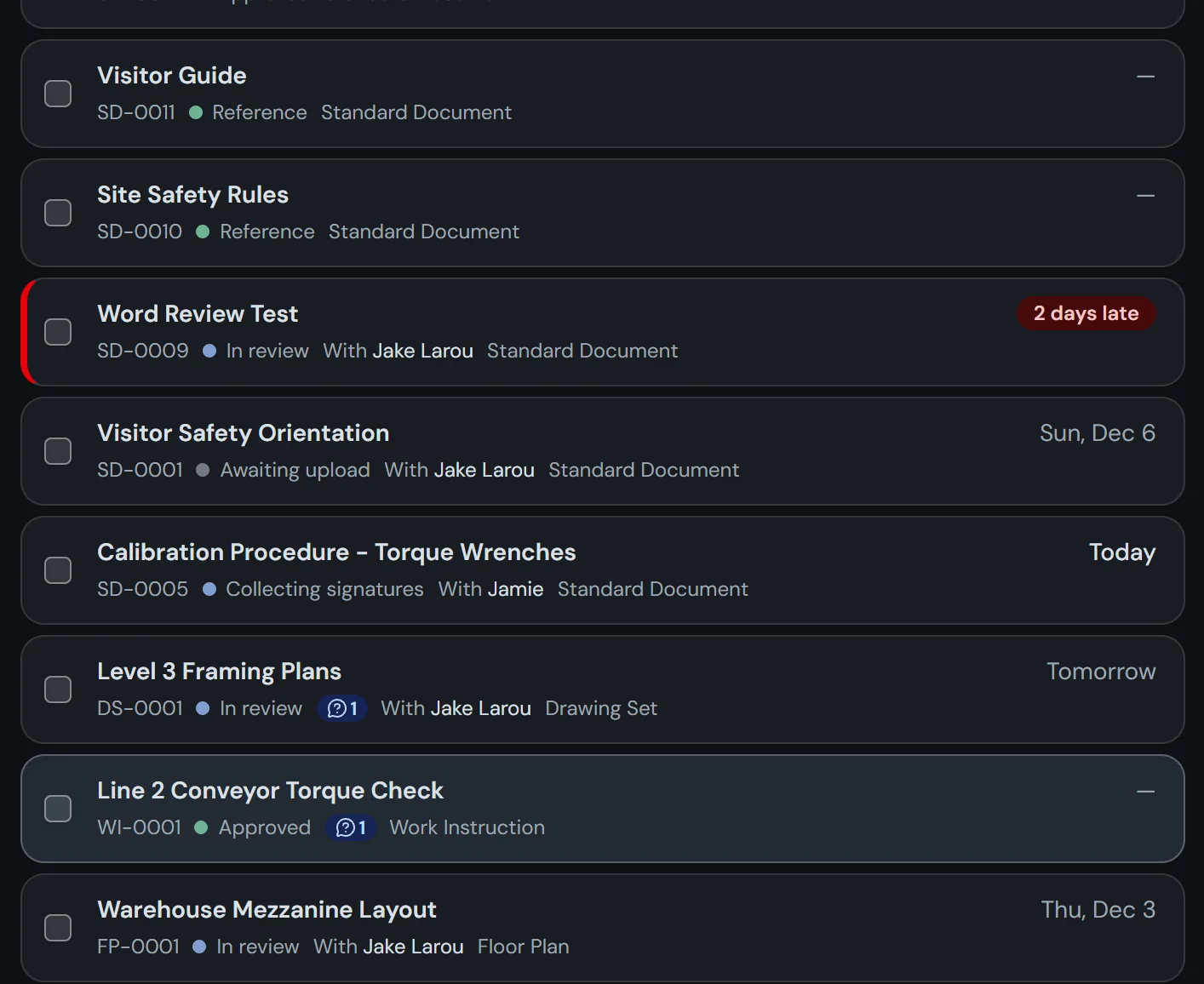
Docutrol's document register: each row shows a document's number, status and who it is with Docutrol's document register: each row shows a document's number, status and who it is with
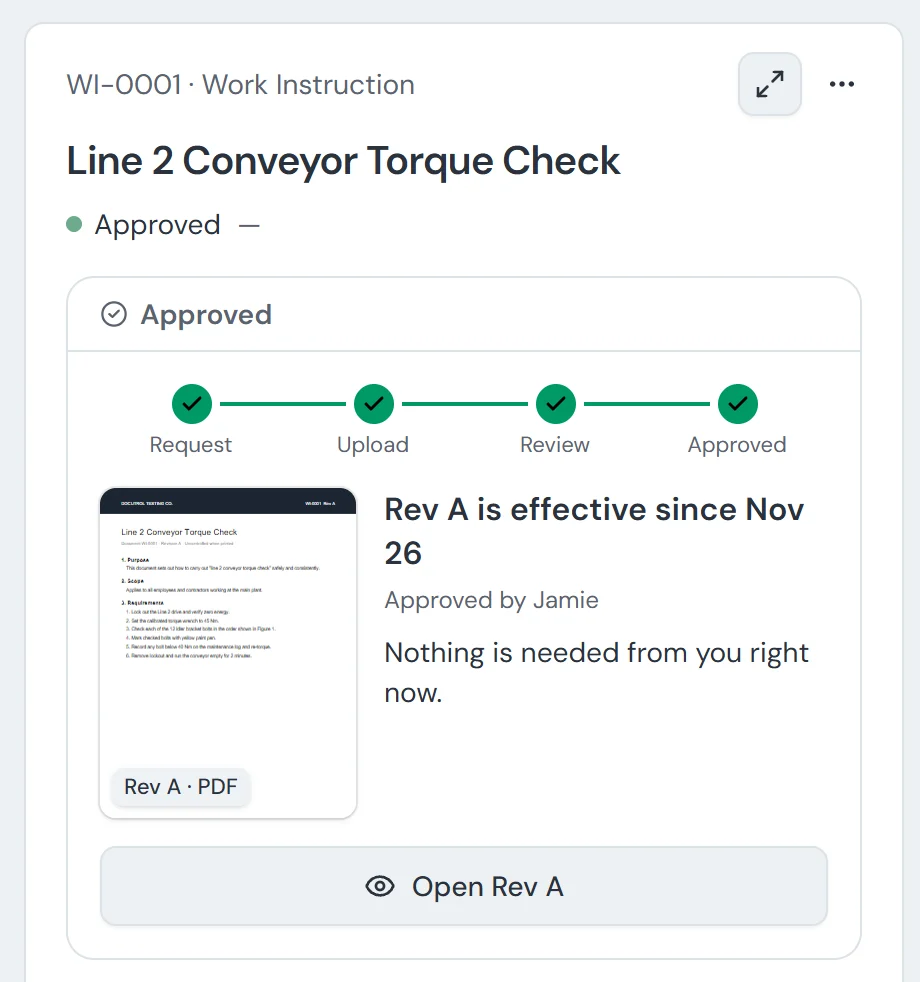
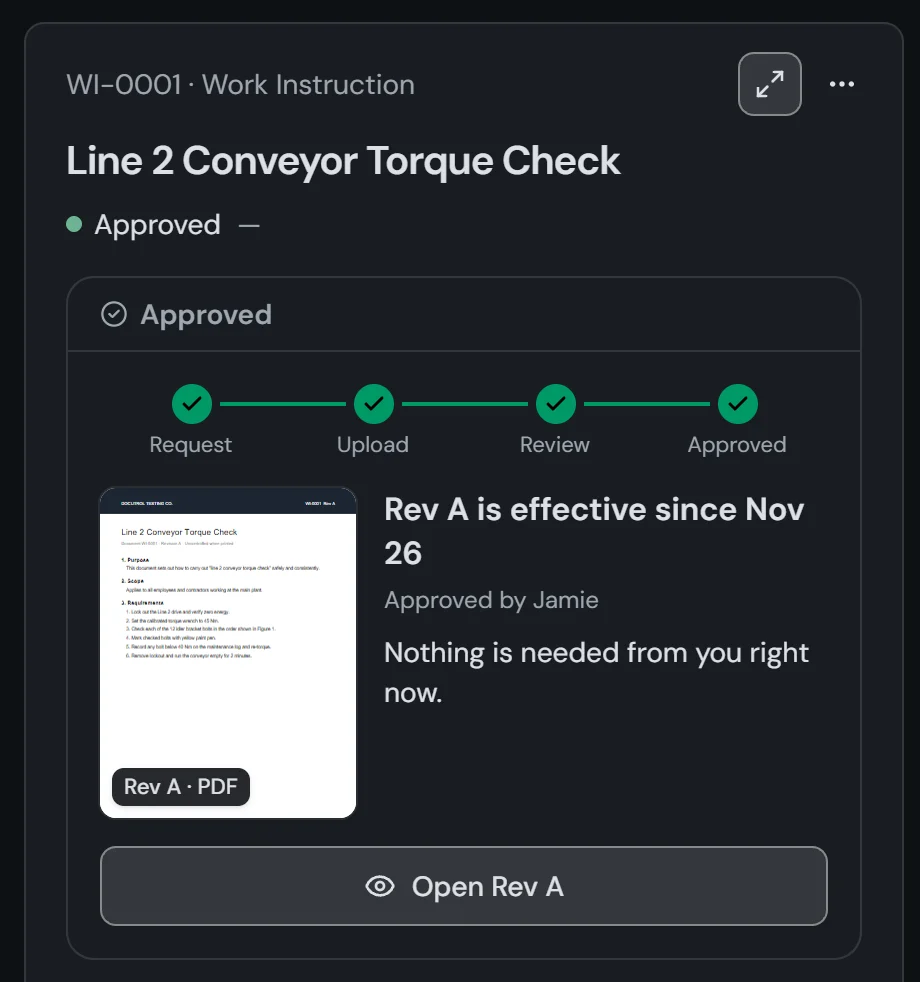
An approved work instruction in Docutrol: request, upload, review and approval ticked, and Rev A in effect An approved work instruction in Docutrol: request, upload, review and approval ticked, and Rev A in effect
Works with what you already use
  • Outlook
  • Microsoft To Do
  • SharePoint
  • OneDrive
  • Google Drive
  • Teams
  • Slack
  • Smartsheet
  • Excel

How it works

A typical approval, from request to release.

  1. Requester

    Request

    Ask for a document, name who approves it and set the due date. Docutrol numbers it.

  2. Submitter

    Submit

    Upload the file. It is stored as a controlled copy that can't be overwritten, and fingerprinted so any later change shows.

  3. Approvers

    Review and approve

    Mark up the page, then approve or ask for changes. Sign when the document needs it.

  4. Docutrol

    Released, in effect

    The approved revision is marked in effect, the old one superseded, and any readers you chose are asked to acknowledge.

Changes needed? Revise and resubmit sends it back to the submitter with every required change listed, and the next revision returns to review.

This is the usual path, not the only one. A quick sign-off goes to a single approver, a reference document needs no approval at all, and a controlled document adds signatures and read-and-acknowledge. You choose the path for each type of document.

Built for your work

It goes as deep as your work does.

A simple approval is where Docutrol starts. Here is what it does for the work each kind of team has to get right.

Project management

Know where every document stands, and who has it.

Managing a project means chasing other people's approvals. Docutrol shows whose turn it is on every document, does the chasing for you, and reports what is late and who it is waiting on.

Docutrol for project management →
  • Whose turn it is Every document shows who it is with and for how long. Late ones stand out, by person and by company.
  • Reminders and escalation Reminders before and after each due date, then escalation to the requester and admins, on a schedule you set.
  • Projects A home for each job's documents, binders and people: each person sees their own tasks, and the project manager decides who can open what.
  • Dashboards Approval cycle time, the share approved first time, approver workload and what is overdue. Build your own tiles, or describe one and let AI draft it.
  • Spreadsheets and bulk work Request up to 500 documents from an Excel list, act on many documents at once, and export any view.
  • In the tools your team uses Tasks appear in Microsoft To Do, notices post to Teams or Slack, and a Smartsheet sheet stays in step with the register.

Construction

Submittals, RFIs and drawings, without a platform contract.

A job runs on documents moving between companies. Docutrol tracks each one from the request to the stamped copy on site, and subcontractors, engineers and owners take part for free.

Docutrol for construction →
  • Submittals with response codes Approved, Approved as noted, Revise and resubmit or Rejected, with spec section and needed-on-site date, and a review stamp on the released copy.
  • RFIs with an official answer Pin a question to the spot on the drawing, name who answers, mark the official reply and record cost and schedule impact.
  • Drawing sets A sheet index read from the PDF (A-101, S-301 and so on), with the sheets that changed in each revision found and marked.
  • Transmittals Send approved documents with a cover sheet, see who confirmed receipt, and show recipients when a copy has since been superseded.
  • Punch list and inspections Raise issues on the approved drawing with photos and a due date, and carry out signed checklists against it.
  • Works in the field Keep approved copies on a phone or tablet for offline use, and note issues and questions there that send when you're back online.

Quality and manufacturing

Control that stands up to an audit.

Procedures, work instructions and quality records need more than an approval. You have to show who signed and what the signature meant, who has read the current revision, and that nothing obsolete is still in use.

Docutrol for ISO 9001 and quality →
  • Signed approvals with identity checks Each signature records the signer, its meaning and the time, with an emailed code where the document's risk calls for one.
  • Read and acknowledge Choose who must read each new revision and see who hasn't. People who only read are free, so the whole shop floor can be included.
  • Periodic review The document's submitter is reminded to confirm it is still current, or to start its next revision, on the interval you set per type.
  • Released copies anyone can verify A stamped copy with a certificate of approvals and signatures. A public page confirms the file hasn't changed by a single byte.
  • Inspections with measurements Signed checklists of pass or fail checks and readings with limits, carried out against an approved document or the checklist's own standard. A failed item can be raised as an issue.
  • Retention, legal holds and an audit log Keep rules per document type, approved disposal that keeps the record, holds, and a log of every admin change.

Some of these are part of the Business or Enterprise plan. See what each plan includes.

Where it fits

Keep what works. Add the control.

If you useYou still needDocutrol adds
Email and a shared drive Someone to chase, and a way to know which file is current. One list of whose turn it is, reminders that send themselves, and the current revision always marked in effect.
An e-signature tool Review before the signature and control after it. Markups and required changes on the page, a signature tied to the approved revision, and older revisions marked superseded for you.
A construction project platform A home for documents that aren't tied to one job: procedures, work instructions, quality records. The same control for any type of document, with questions, submittal responses, transmittals and drawing sets when a job calls for them.
A spreadsheet tracker The file behind the row. Tracking with the controlled copy, the approvals and the history behind every line. Lists come in from Excel and go back out.
SharePoint and an approval flow you built Approvals that work without a builder, and one place to see status. Ready on the first day. Approved copies can be filed back into SharePoint, OneDrive or Google Drive.

See it

Review on the page itself.

The file, the markup tools, the sheet or page you are on, and who it is waiting on, in one screen.

Docutrol's review screen: a drawing on the left with the markup tools above it, and the document's step, approvals and questions on the right Docutrol's review screen: a drawing on the left with the markup tools above it, and the document's step, approvals and questions on the right

Control you can check

The rules are enforced, not just displayed.

  • Every revision's file is fingerprinted at upload and checked again before it is approved.
  • The released copy carries a certificate of approvals and signatures, and anyone can verify it on a public page.
  • Who can see, approve and sign is enforced by the database, so it holds through the app, the API and every connection.

Verify a released copy

Rows of the Docutrol register showing each document's status: reference, in review, awaiting upload, collecting signatures, approved Rows of the Docutrol register showing each document's status: reference, in review, awaiting upload, collecting signatures, approved

Common questions

Before you start.

Do outside people need an account?

No. Guests take part through private links in Docutrol's emails and see only the documents they are on. Guests are always free.

What kinds of file can be reviewed?

PDFs, Word, Excel and PowerPoint files, and images. Any file can be stored and approved.

Can we bring in documents that are already approved?

Yes, one at a time or from a list, keeping their own numbers and revisions.

Where do approved copies go?

They stay in Docutrol, and can also be filed into Google Drive, OneDrive or SharePoint.

Do we have to use every feature?

No. Each one has its own switch, and anything switched off stays out of the way.

What does it cost?

There's a Free plan for up to 3 people who submit or approve. Team is $15 and Business $29 per paid user a month, billed annually. People who only read and acknowledge are free.

Bring one document and see.